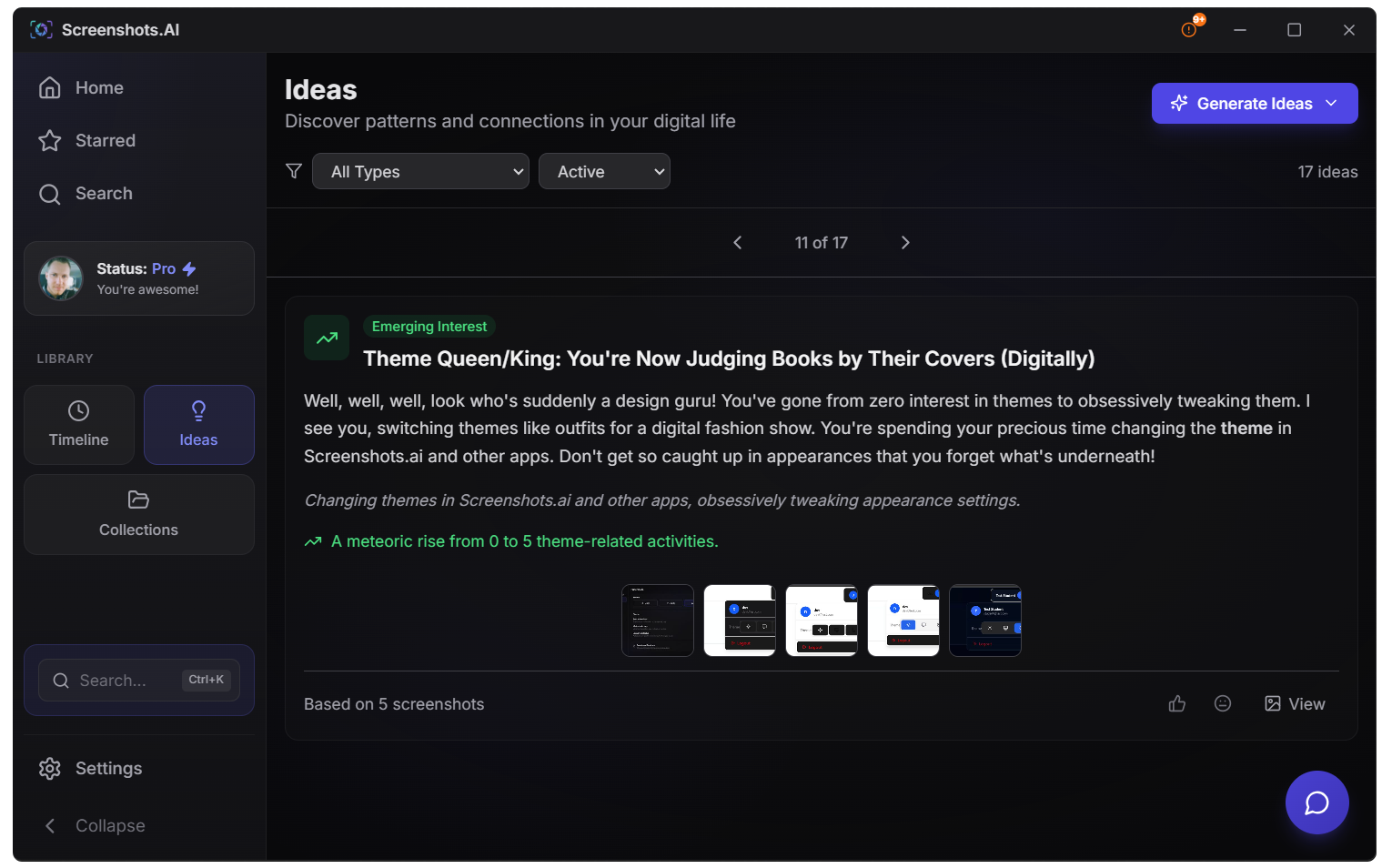
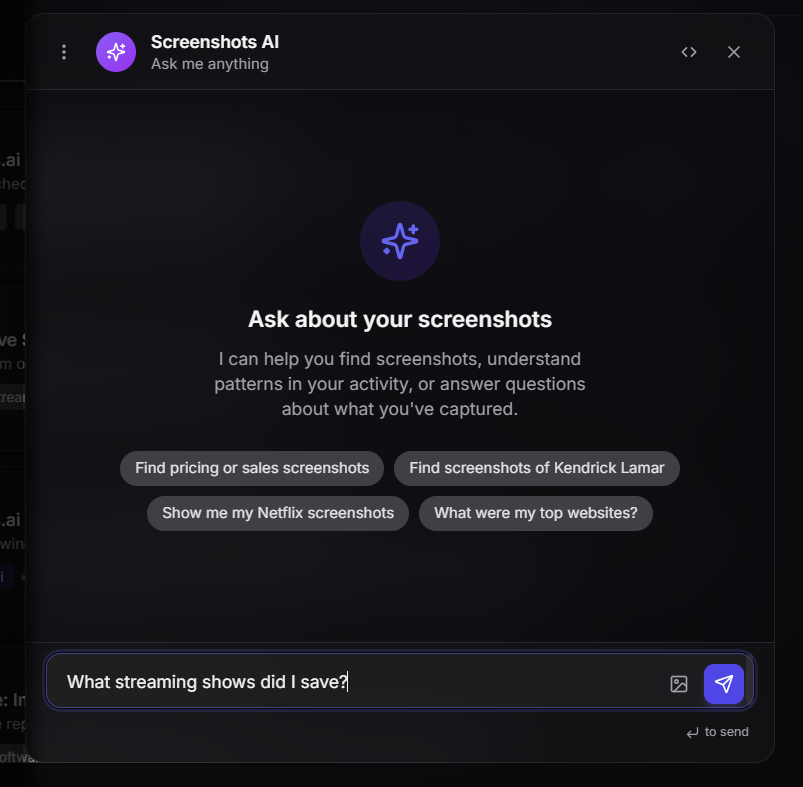
AI-powered screenshot manager that automatically organizes, extracts text, and finds exactly what you're looking for—in seconds.

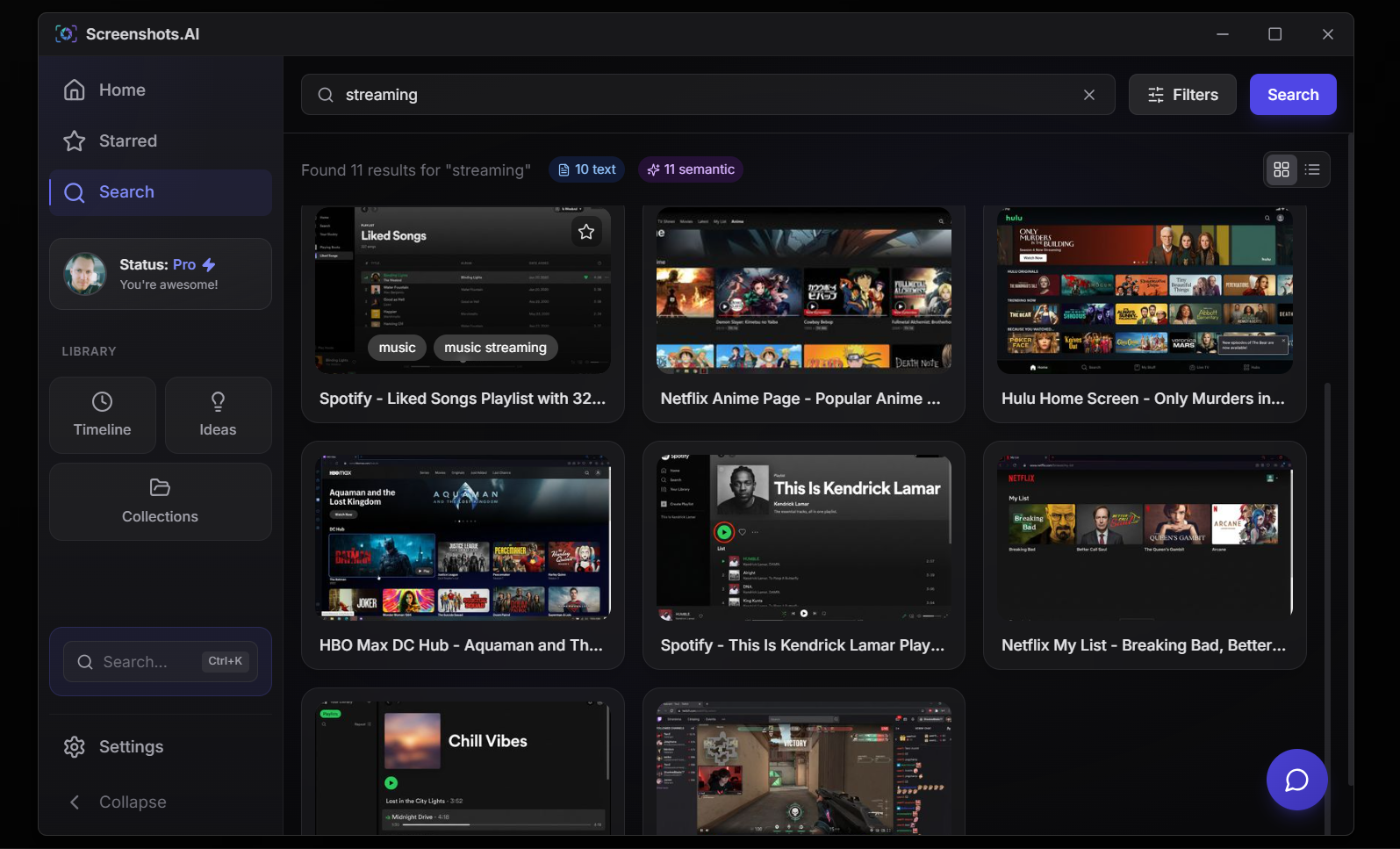
People save screenshots to remember things—product prices, error messages, conversations, recipes. But finding them later? Nightmare. Screenshots.AI uses semantic search to find screenshots by what's IN them, not useless filenames like IMG_4392.png.
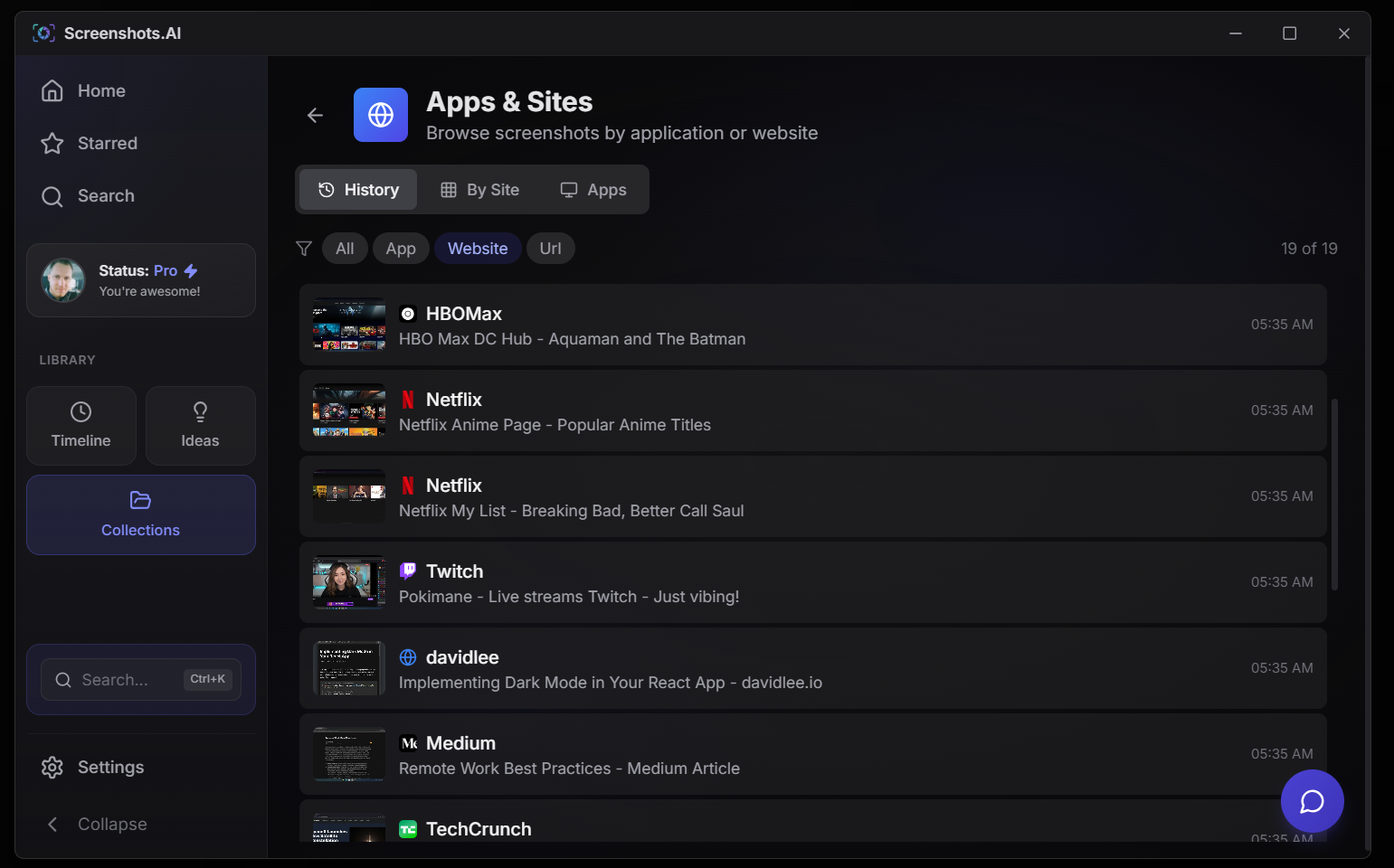
Every website, every app, every URL you've ever screenshotted—automatically extracted and organized. It's like browser history, but for your entire screen. Never lose a link again.
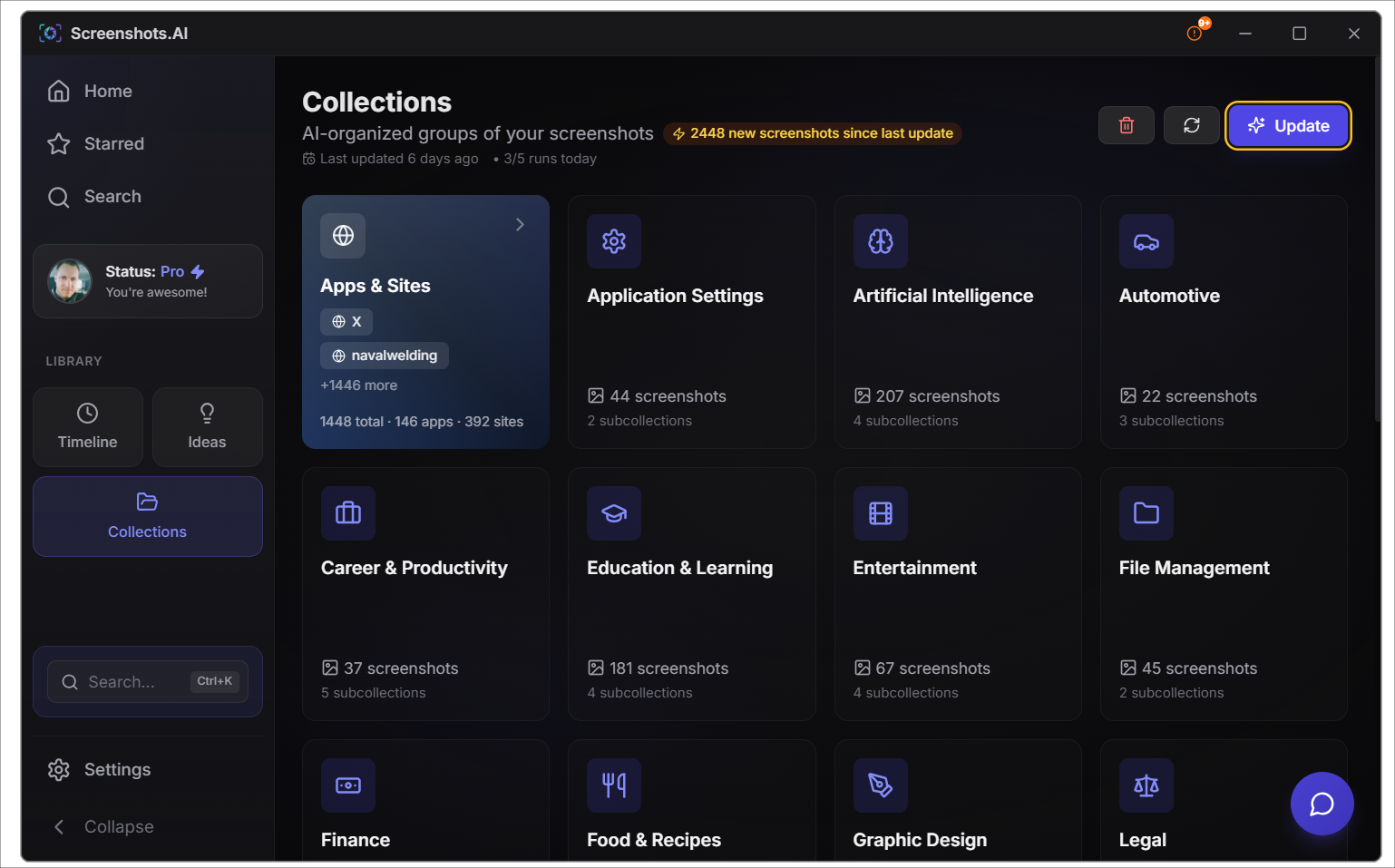
Screenshots.AI automatically sorts your screenshots into intelligent collections. Shopping finds. Work projects. Travel planning. Recipes. No folders to create. No tags to apply. It just works.
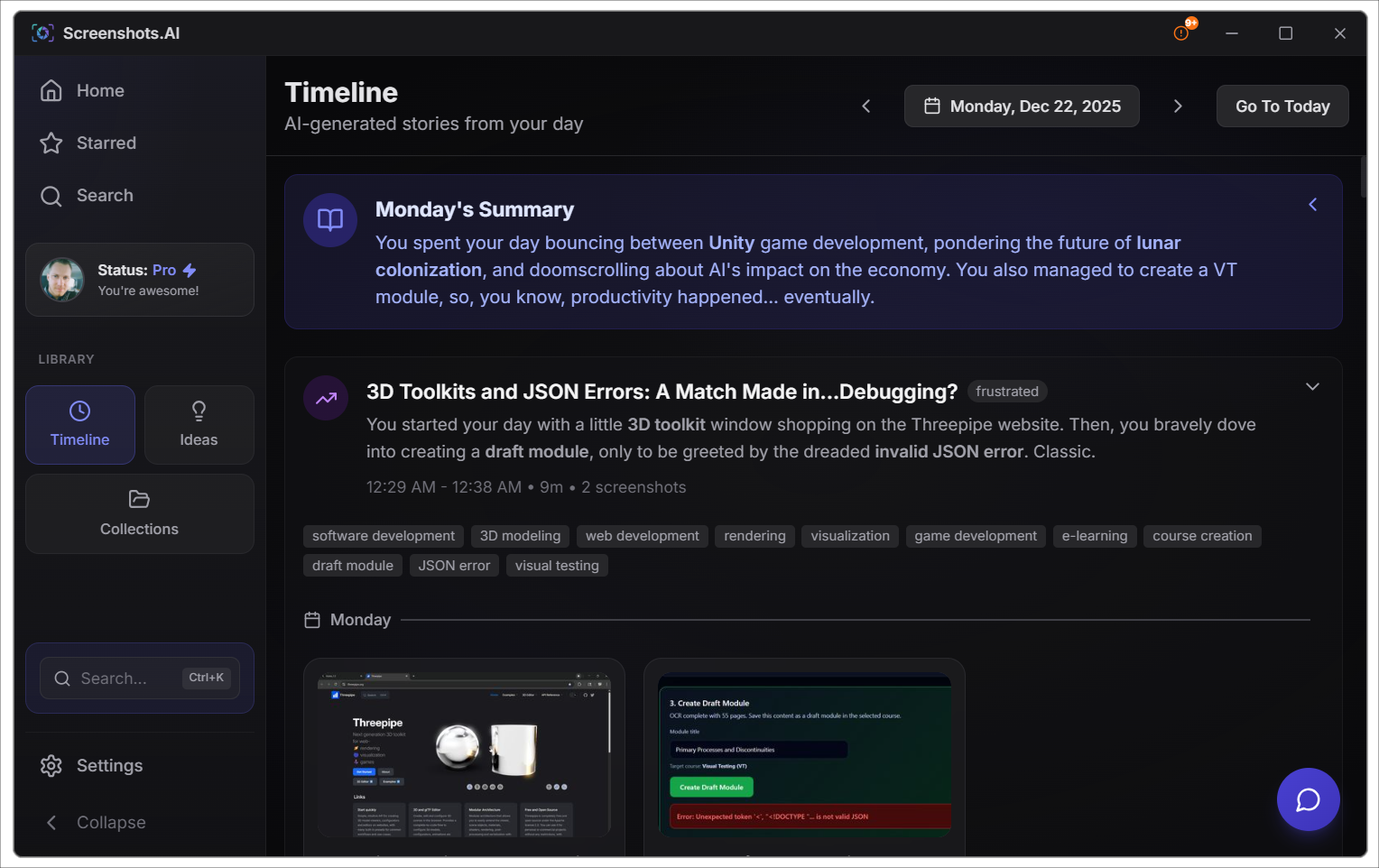
Ever wonder "what was I working on Tuesday afternoon?" The Timeline shows your activity sessions with AI-generated titles. Morning research. Afternoon coding. Late night shopping. All automatically detected.
Screenshots.AI doesn't just store—it thinks. Daily AI-generated insights surface connections between screenshots you'd never make yourself. Forgotten information brought back at the right time.
Ask questions in plain English and get answers from your screenshot library. "What was that product I was looking at?" "Show me recipes I've saved." Your screenshots become a searchable knowledge base you can talk to.
Three steps. Zero effort. Infinite organization.
Use your normal screenshot shortcuts. Win+Shift+S, PrtScn, Snipping Tool—whatever you prefer.
Automatic analysis, OCR text extraction, categorization, URL detection, and smart indexing.
Search by content, browse collections, explore your timeline, or let AI surface insights.
Stop losing screenshots. Start finding them in seconds.
Your privacy matters. Here's how we protect it.
Absolutely not. Screenshots.AI only processes screenshots that you manually save to your Screenshots folder. We don't monitor your screen, record your activity, or capture anything automatically. You're always in complete control of what gets processed.
We never keep your screenshots. When you process an image, it's securely sent to trusted, industry-standard enterprise AI services for analysis, then deleted—nothing is stored on our servers or theirs. We use Google and OpenAI's enterprise APIs, which have strict privacy policies prohibiting data retention and training use. Only the text results are saved, and those live locally on your device.
Never. Your screenshots are never used to train or improve any AI models—not ours, not anyone else's. We use enterprise AI APIs (Google Gemini, OpenAI) that explicitly don't use API data for training. Your images are processed anonymously without any personal information attached.
Free users get 500 screenshot imports plus 500 new screenshots per month. All features are available—search, collections, timeline, ideas, and more. No credit card required. Upgrade to Pro for higher limits when you need them.